Pricing, currency & VAT
CPQ Builder always calculates a net price — the price before tax. How that price is shown, in which currency, and whether tax is added is set once for your whole organization. The short version: your prices are net, and your shop (Odoo) adds the right tax.
Why prices are shown without tax
By default every total reads "Total (excl. VAT)". That's deliberate: the correct tax depends on who is buying and where they are, and your shop already knows those rules. CPQ Builder hands your shop the net price and lets it apply the exact tax at checkout. This keeps the configurator and the invoice from ever disagreeing.
This applies everywhere a price appears — every configurator, the embedded widget, and the datasheet (PDF).
Currency
Your currency is taken from your Odoo company, so you never type it in. Open your organization's Odoo card and click Sync from Odoo: CPQ Builder reads your company's currency and uses it for every price. (Connecting Odoo is covered in Publishing to your shop.) Until you sync, prices show in euros.
CPQ Builder does not convert between currencies — it always delivers the price in your base currency and lets your shop convert if a customer uses a different one.
If your Odoo has more than one company, the Odoo card lists them all and uses your main company's currency. Picking a specific company per product is part of a larger plan and isn't available yet.
Showing prices with tax (B2C)
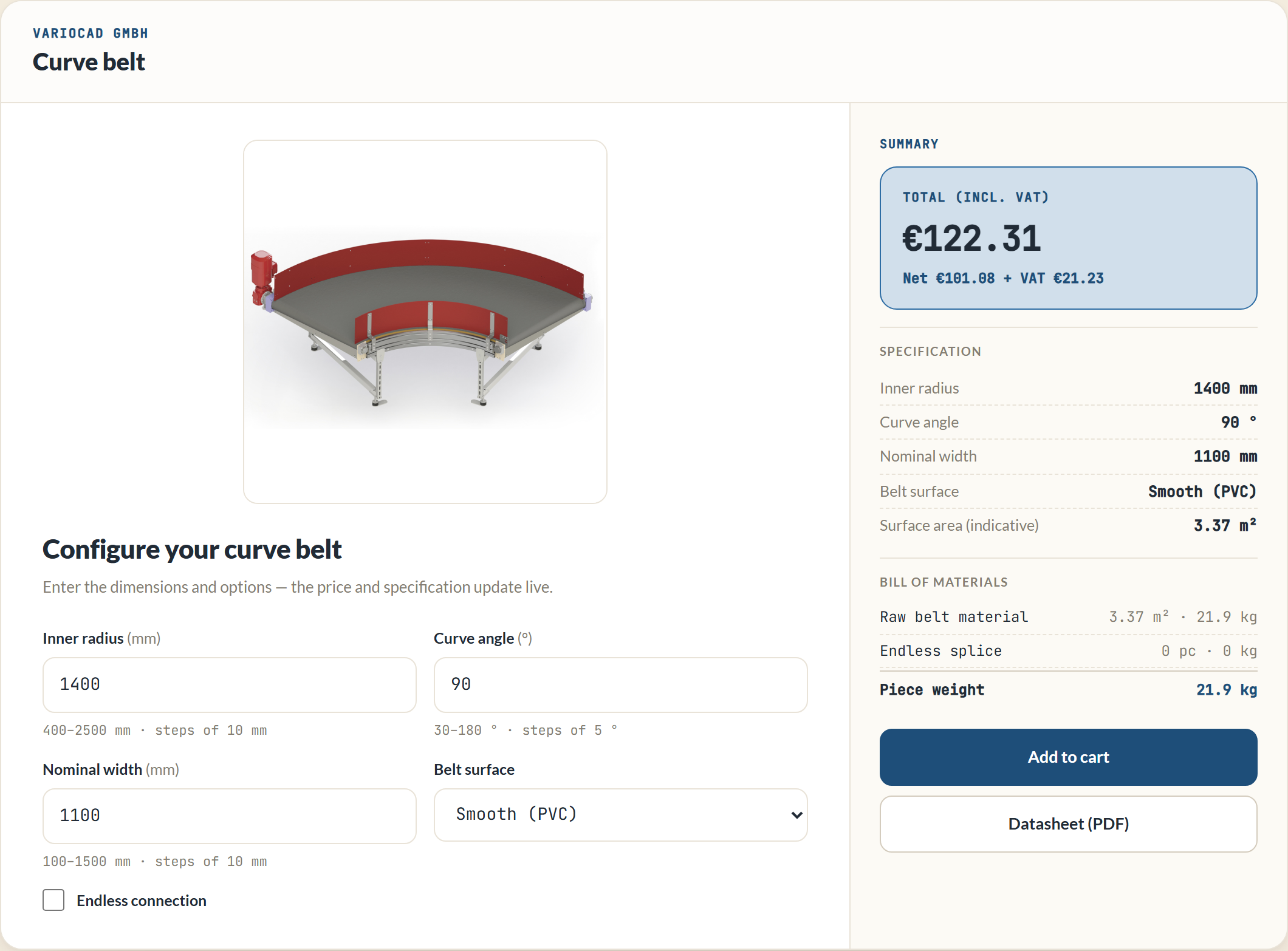
Selling to consumers who expect to see the price including tax? On the Odoo card, set Price display to Incl. VAT (B2C). The configurator then shows a tax-inclusive total — for example "Total (incl. VAT)" with a small "ex. VAT …" line beneath it — using your home-country tax rate, which is read from Odoo when you sync.
A few things to know:
- The price shown in B2C mode is indicative. The configurator can't know the customer's delivery country yet, so it uses your home rate. Your shop works out the exact tax at checkout based on the customer's address.
- Whatever the display, the line sent to your shop is still net — your shop owns the real tax calculation.
- The default is Excl. VAT (B2B), which is right for business-to-business selling, where tax is handled per customer.
Make your shop actually add the tax (B2C)
For a tax-inclusive shop, the product in Odoo also needs a sale tax on it. When your organization is in B2C mode, CPQ Builder sets this for you when you create a product on Odoo or run Sync product. If you switch an existing product to B2C, open it and run Sync product once so the tax is applied.